Your home, lighting up room by room.
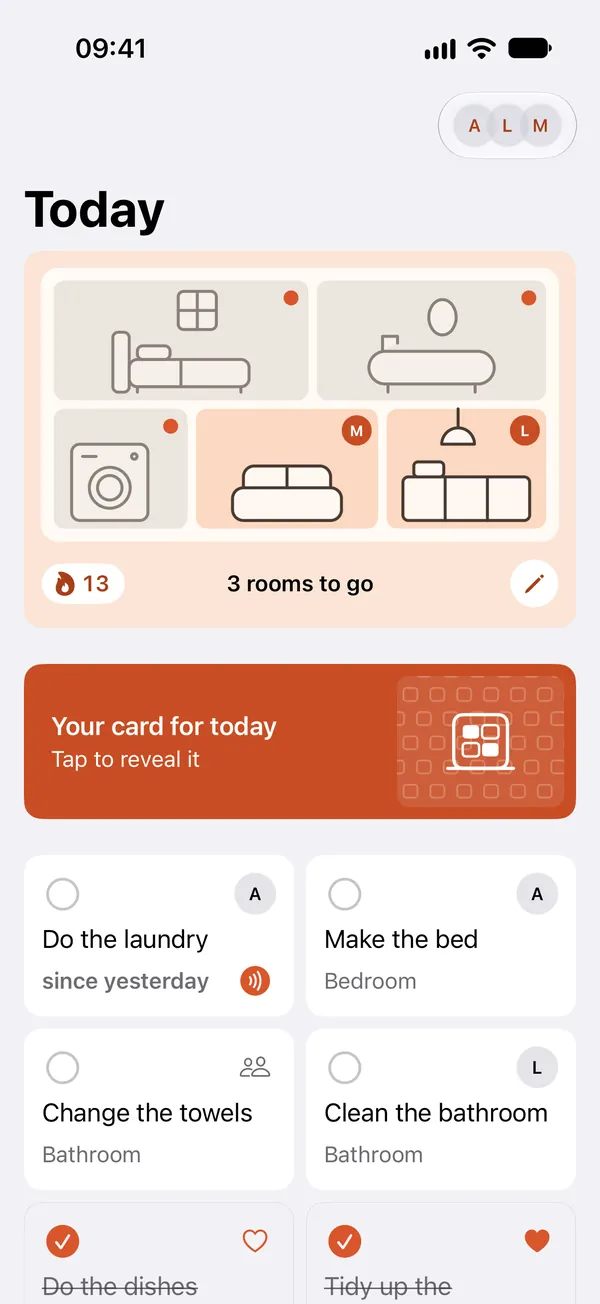
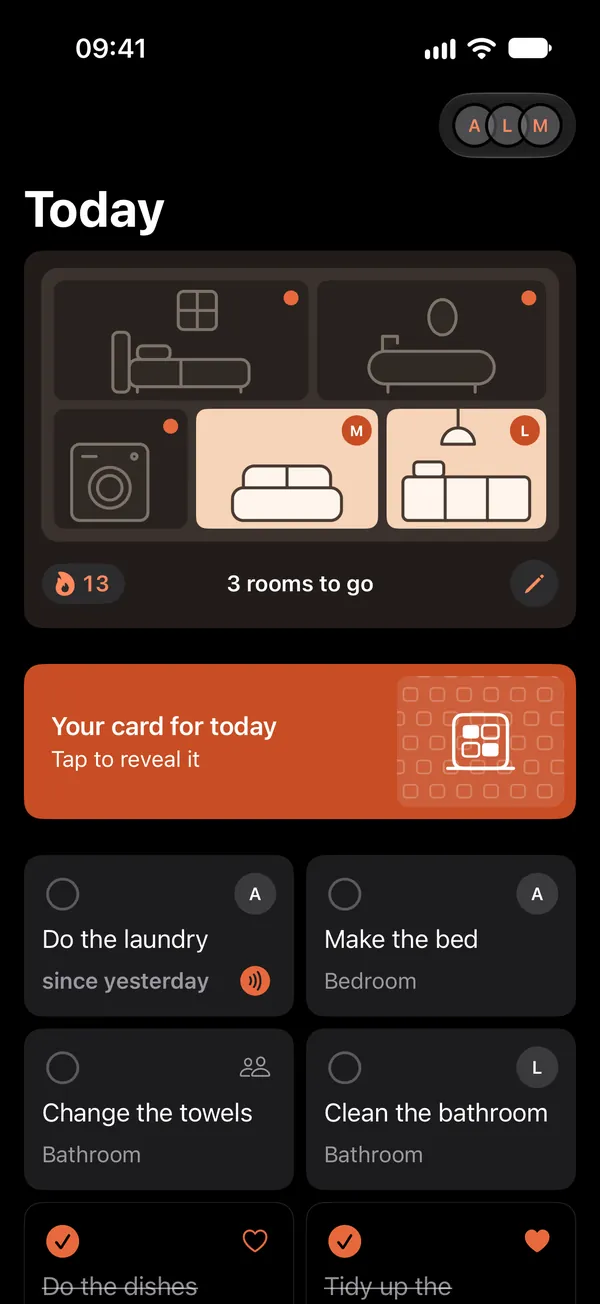
Choreglow keeps the chores of your home in one calm place. Each room of the house on your screen lights up when its chore is done, and you can share it with the people you live with.
Everything a home needs, nothing it doesn’t
Tap, tick, light up. No account, no clutter.
The house that lights up
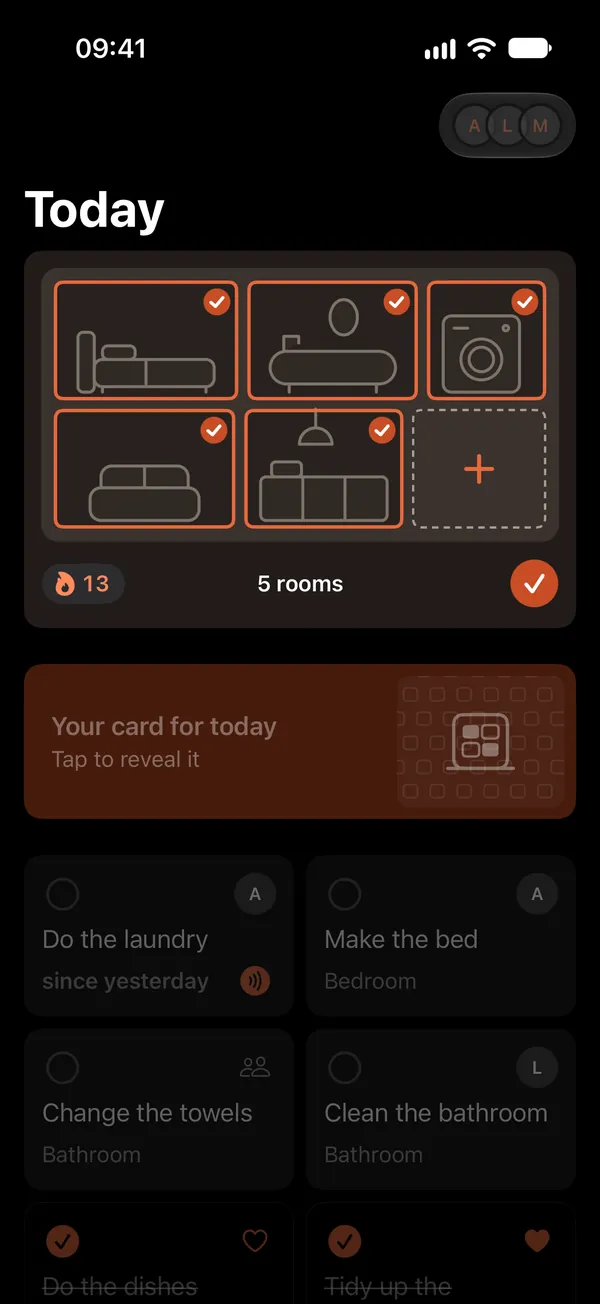
Each room lights up when its chore is done, with the initial of whoever did it. Pick from 18 kinds of room, repeat them (Bedroom 2) and put them in your order, up to 16.
- One tap marks a chore as done
- Slipped? Undo it
- Drag the rooms into your order
A card each day
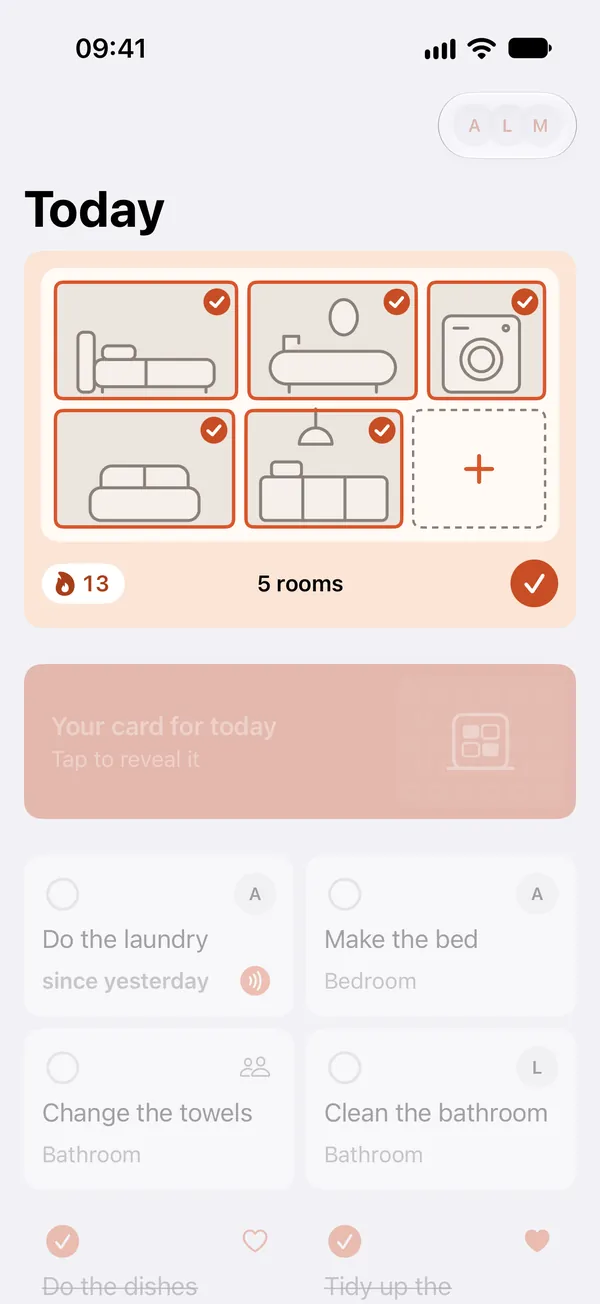
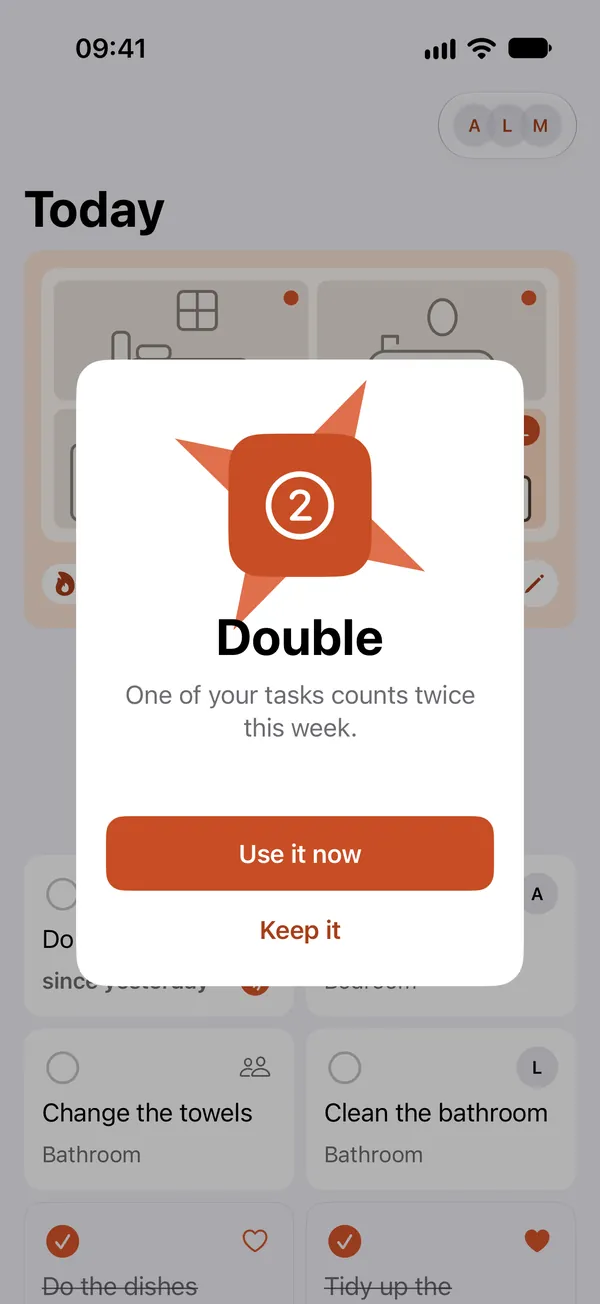
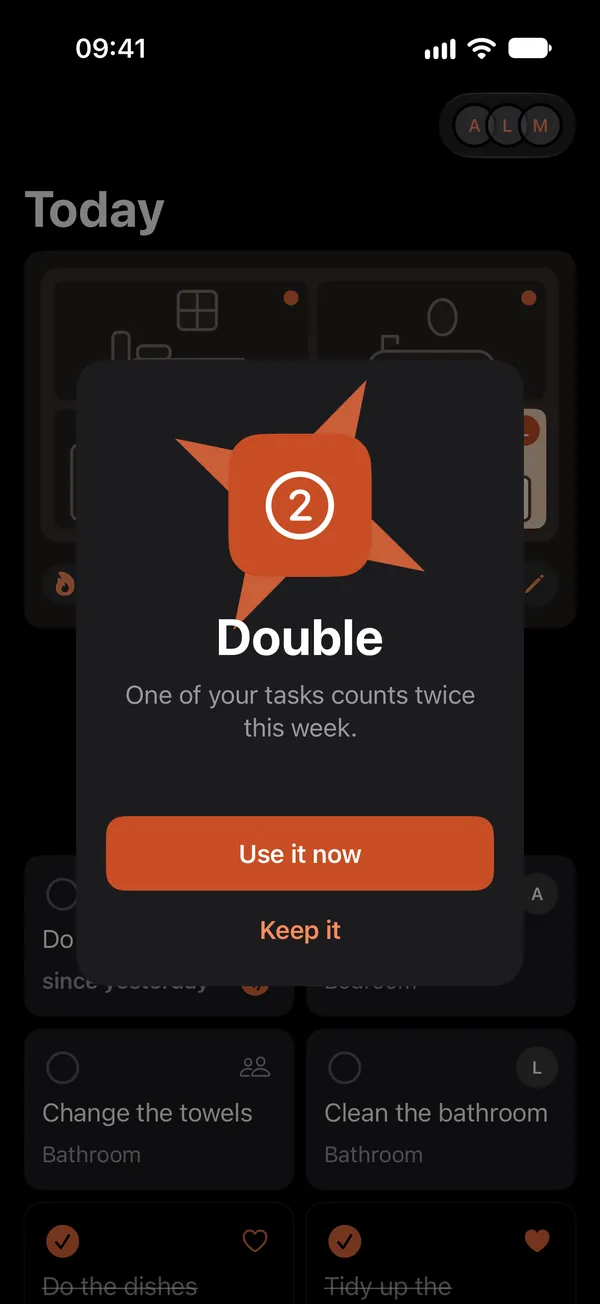
Every day brings a small card, face down. Tap it: it grows to the middle of the screen and turns over to show what it does. Then use it now or keep it for later.
- Wildcard, Double, Relay or Day off
- Use it now or keep it
- If it lands on someone else, they can accept it or send it back
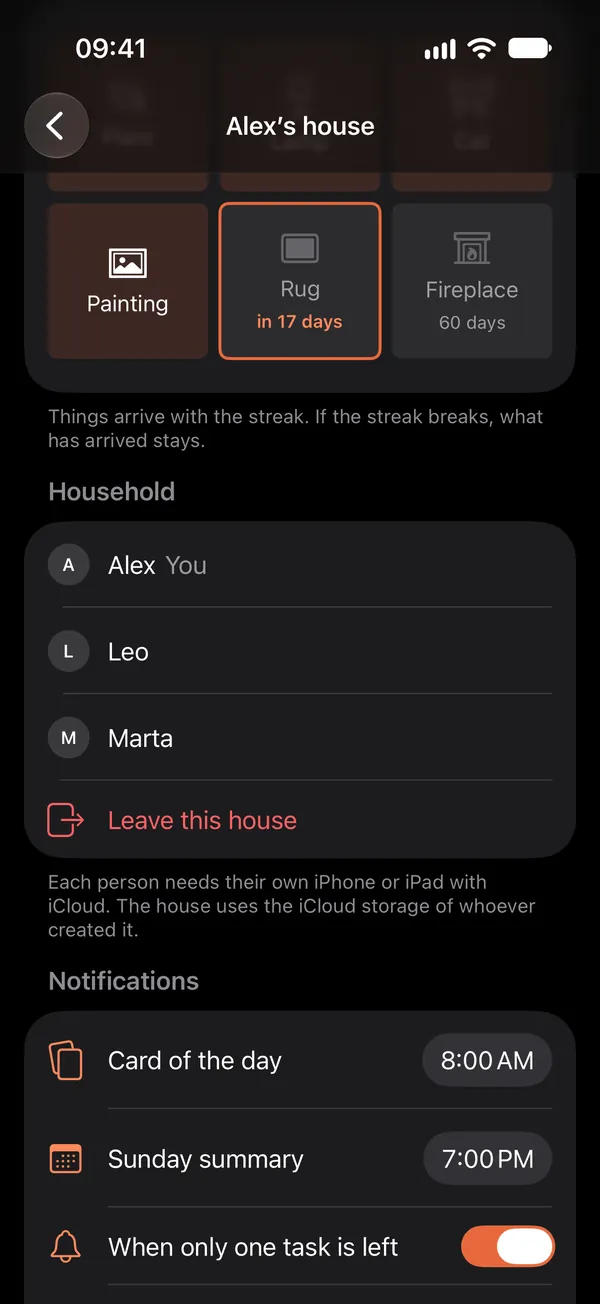
Share the home through iCloud
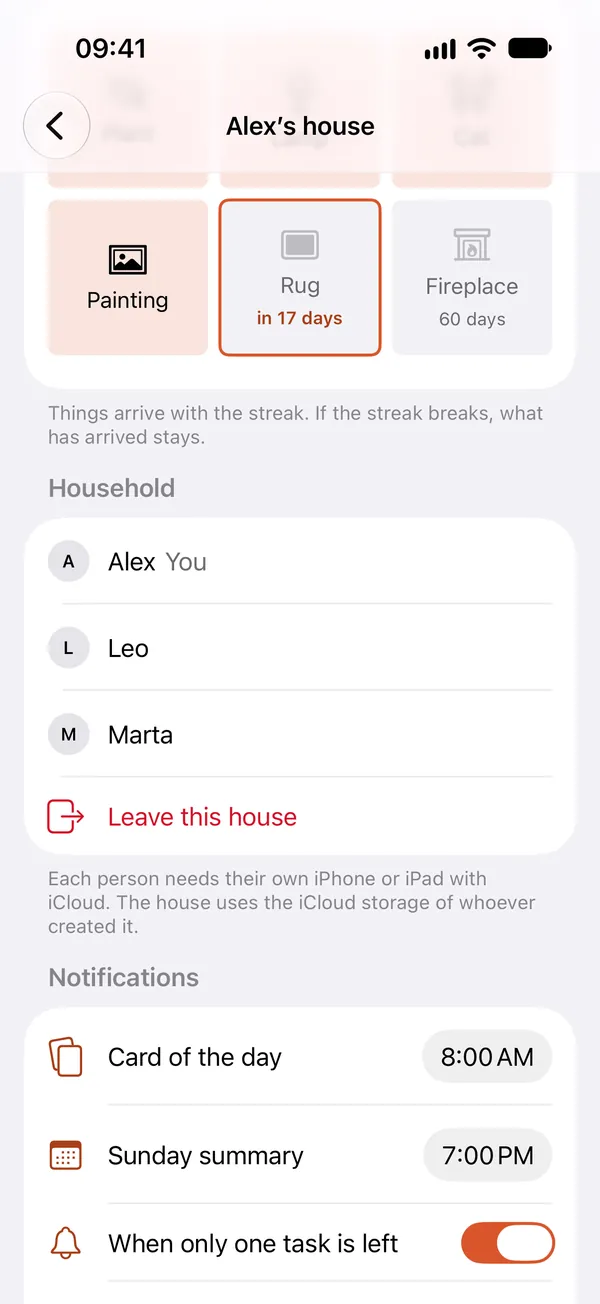
Invite the people you live with from the app. Everyone marks their own chores and sees who did what, with no account to create.
- Works between Apple devices only, not with Android
- Marking never waits for anyone and works offline
- Each person needs their own iPhone or iPad with iCloud
NFC tags
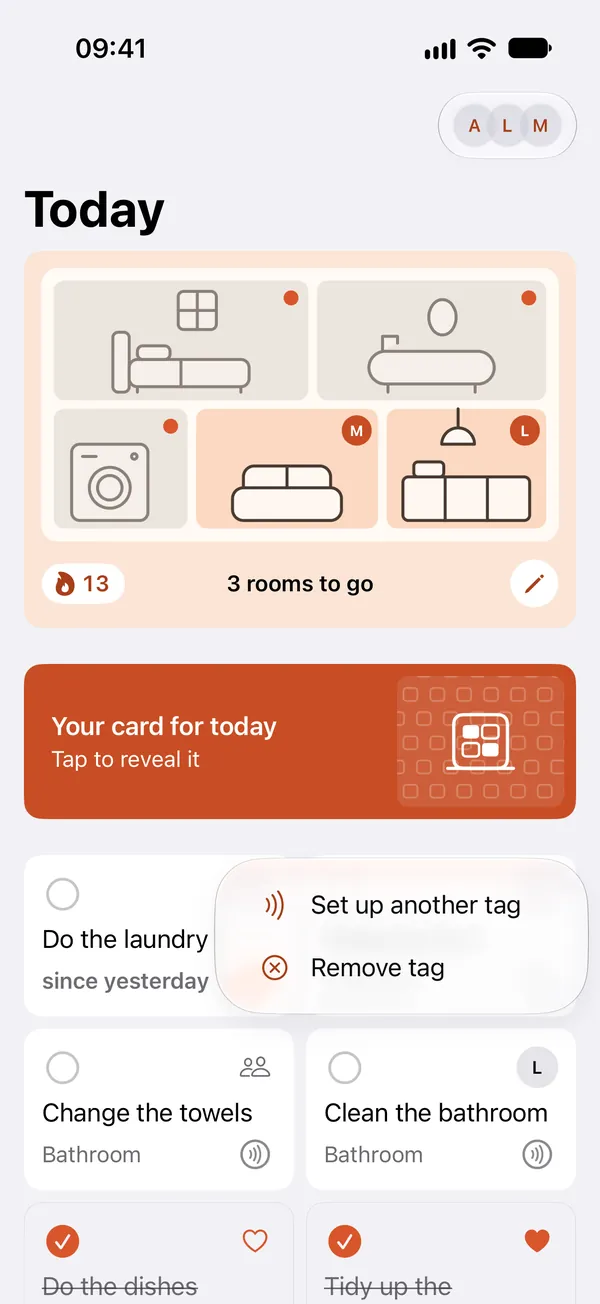
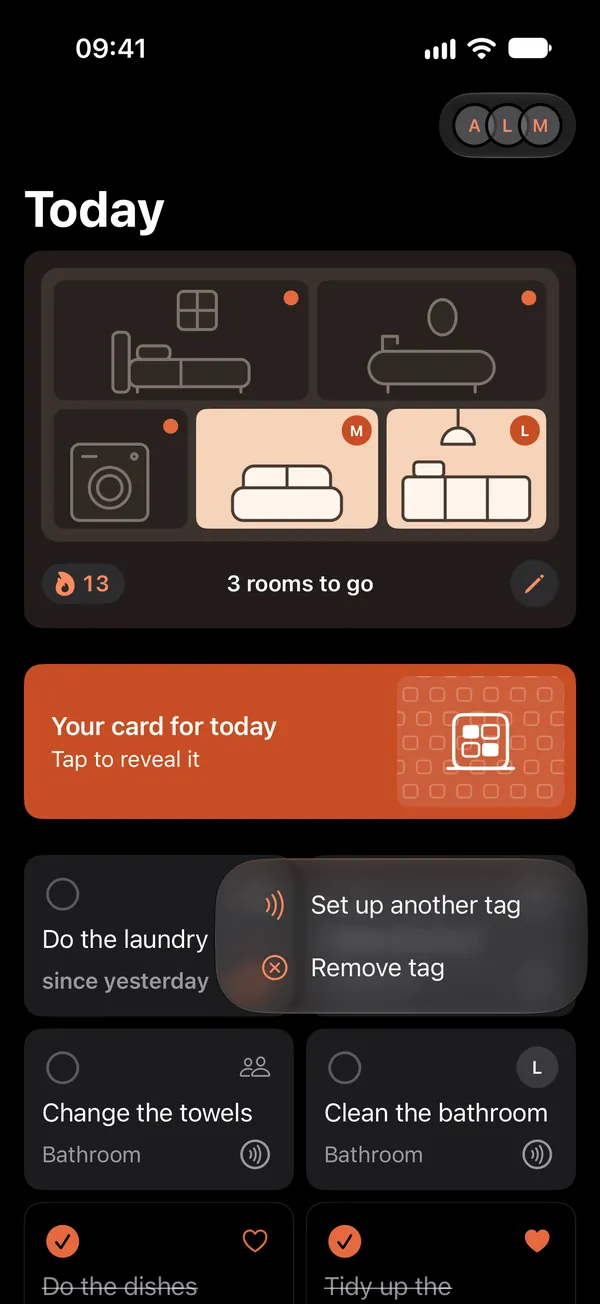
Stick a tag somewhere in the house, say on the washing machine. Hold your iPhone near it, tap the iOS notice that appears, and Choreglow opens with the chore already done.
- Set up a tag from the chore’s card
- Replace or remove it whenever you like
- Works on iPhones that can read NFC tags
A widget for your Home Screen
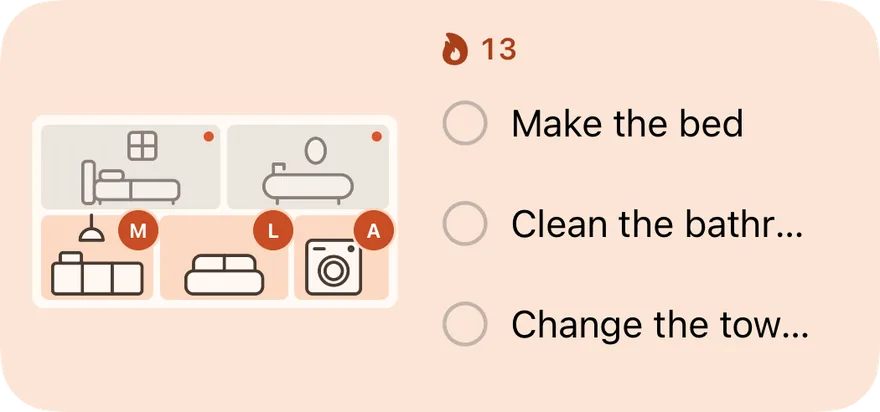
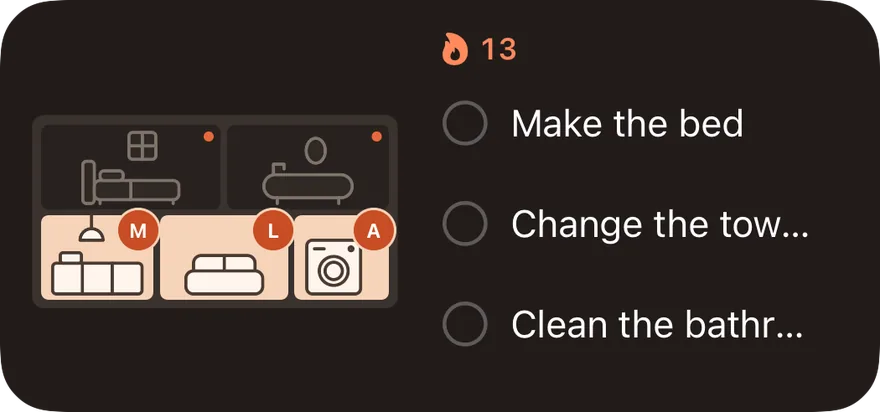
Your house on the Home Screen. The medium size lets you tick off your chores without opening the app.
- Small, medium and large sizes
- Ticks chores off from the Home Screen
- Light, dark and tinted looks
And also
A streak that builds the house
Complete days in a row and objects arrive in your home. If the streak breaks, what you earned stays.
A goal with your complete days
The goal adds up your complete days, even when they are not in a row.
Add a chore with one sentence
Type something like “Take out the trash every Monday for Marta” and Choreglow works out the rest.
Sunday summary
A short look back at the week, with no ranking of who did more.
Private by design
Your home is yours. We have no way to see it.
No account
There is nothing to sign up for.
No ads, no analytics
No third-party kits, no tracking.
Stored in iCloud
What you keep in the app stays on your devices and in iCloud, and does not reach us.
Delete it any time
From the House screen you can delete the house from iCloud and from all your devices.
Questions
Is it on the App Store yet?
Not yet. Choreglow is coming soon to the App Store.
Can I share my home with other people?
Yes. Invite them from the app; each person needs their own iPhone or iPad with iCloud. It works between Apple devices only, not with Android.
Do I need an account?
No. There is no account to create.
Can I be in more than one home?
For now, each person can be in one home.
How do I delete my house?
On the House screen, the last row: “Delete this house”. Its tasks, streak, goal and everything that has arrived are deleted from iCloud and from all your devices. This can’t be undone. Only the person who created the house can delete it.
Not your question? Write to us at choreglow@softapp.tech · Support
Coming soon to the App Store
Choreglow is made by SOFTAPP SOLUTIONS LLC.